
 Image 1 of 5
 Image 2 of 5
 Image 3 of 5
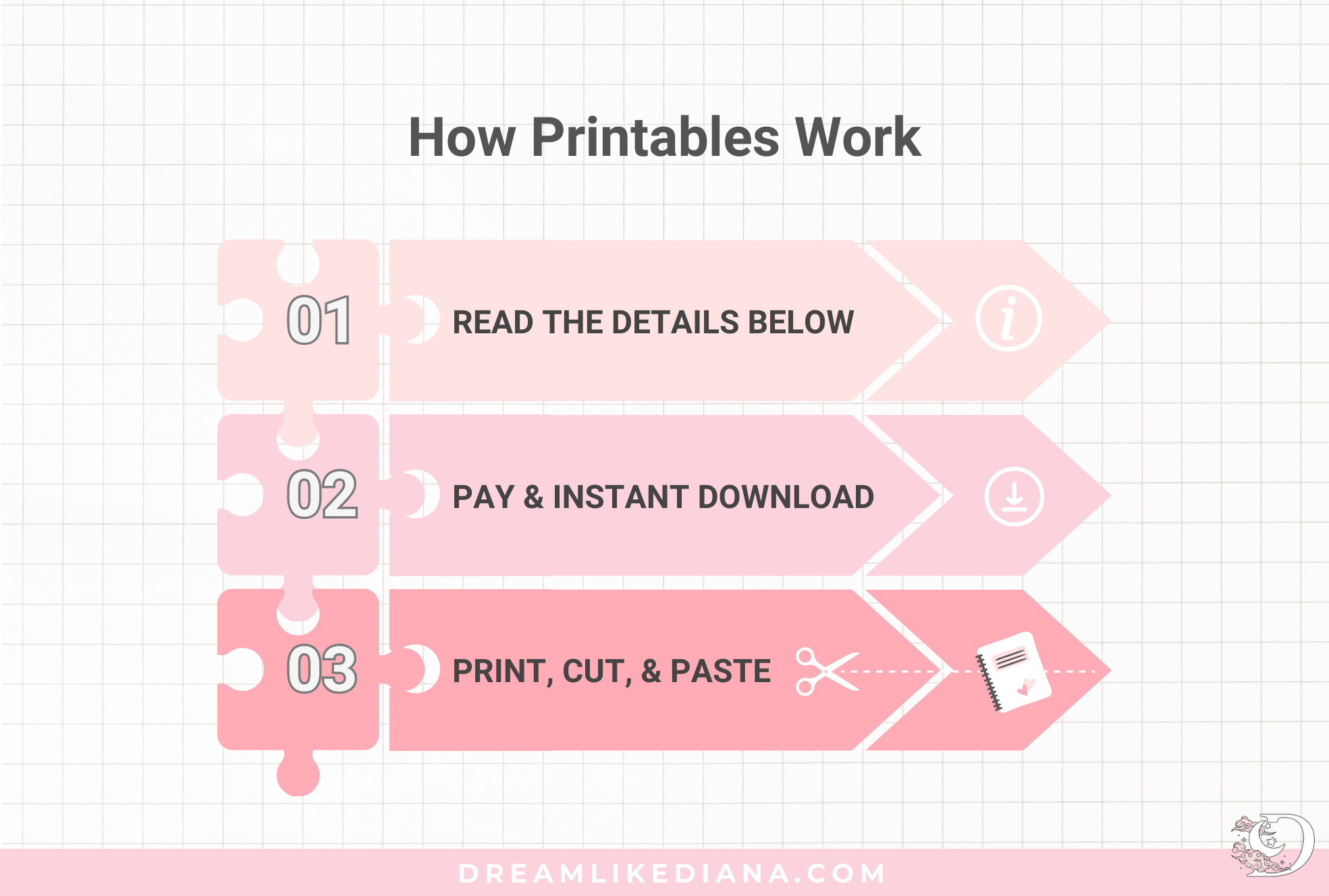 Image 4 of 5
 Image 5 of 5
-
US Standard Letter size is good for:
Digital Planning
Custom Size Printing
This listing contains:
2 PDF Files (one with a border one without) in a Zipped Folder
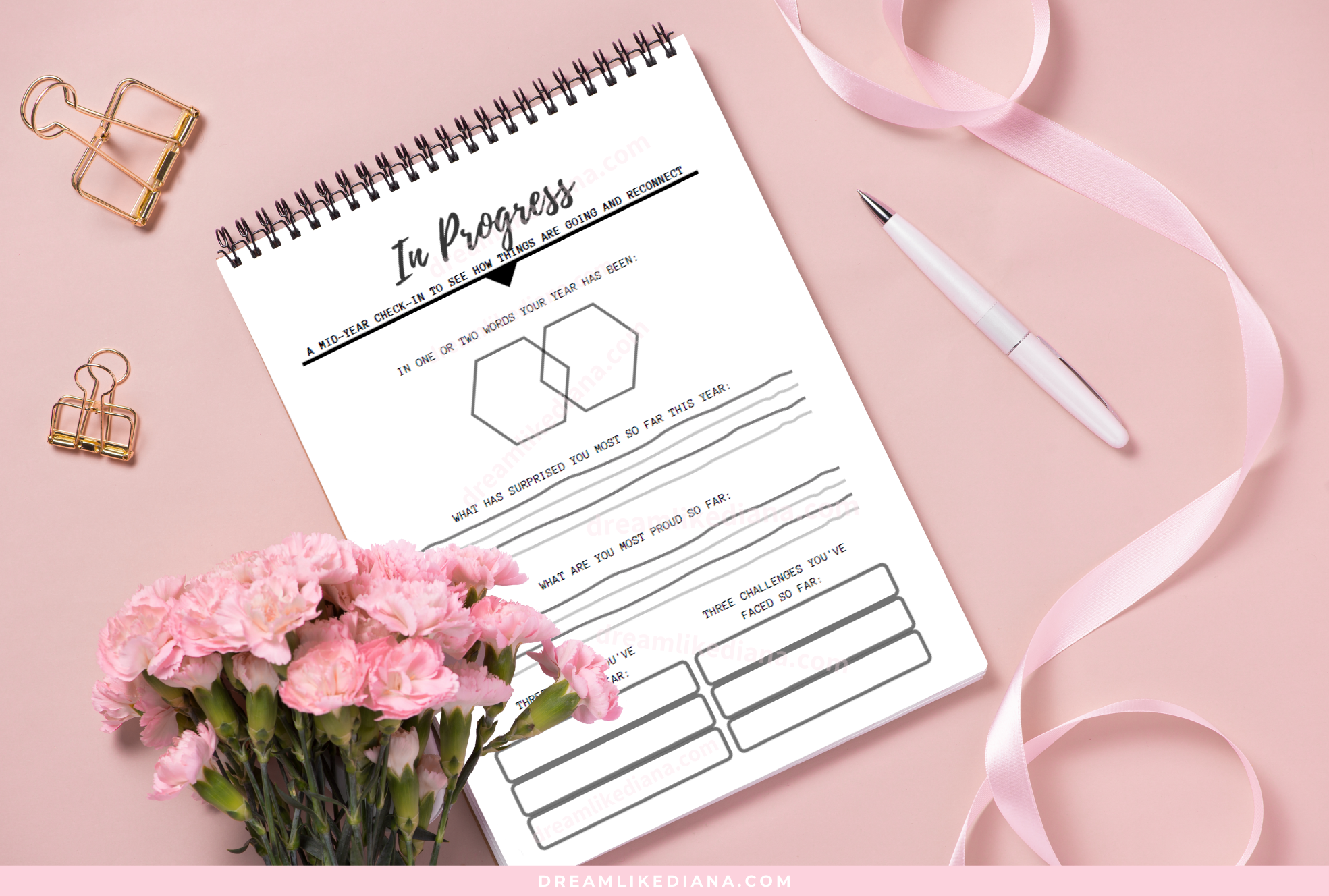
Each PDF file has 3 pages of reflection questions about your year so far
-
Reflect on your year so far at any point in time
Reflect on your year quarterly or mid-year
Be honest with yourself when filling out the questions
-
/// FOR PERSONAL USE ONLY ///
Not for any commercial use
Can't be resold as is or altered on its own
YOU MAY NOT share, resell or redistribute our products. Please read our policies carefully for more information on allowed uses.
The watermarks will NOT appear on your copy.
Please note that this is a digital product and no physical product will be sent. After payment is received, you will receive an automatic email (to the email address you have listed). In that email will be a link to the download page.
There are no refunds on digital items.
For more information please read our Shop Policies.
All printables are in PDF format. You can print it in its original size (letter size), custom size printing, or you can use it digitally on your iPad or tablet.
dreamlikediana is not responsible for printing issues and purchases of incorrect items.
Customers receive a secure link to the file lasting 24 hours after the first download.
By purchasing this digital product, you acknowledge and agree to our terms of service, understand that it is for personal use only, and have thoroughly reviewed all additional information provided in the listing.
-
1. Proceed through checkout.
2. Make sure the email address you are inputting at checkout is your REAL email address.
3. Once your payment has cleared, your download will be sent to the email address you provide.
4. You will receive a secure link in the email to the file(s) lasting 24 hours after the first download.
5. Please make sure to check your spam folder just in case.
6. Please save it to your Google Drive, Apple Cloud, PC, for your safe keeping.
All files are for PERSONAL USE only.
Please do not contact me asking me for your download.
By purchasing this digital product, you acknowledge and agree to our terms of service, understand that it is for personal use only, and have thoroughly reviewed all additional information provided in the listing.
-
Proceed through checkout and find your download link on the order confirmation page and e-mail. Customers receive a secure link to the file lasting 24 hours after the first download.
With PC: transfer the PDF to your Google Drive or similar. On your iPad, open Google Drive, find the file, and open it into GoodNotes and it will automatically import.
With Mac: you can use a USB or airdrop to import it into Goodnotes.
You can also import the PDF into any other PDF reader of your choice such as ZoomNotes, Noteshelf, Notability, Drawboard, Xodo, etc.
-
You will get the best printing results by printing through Adobe Reader (it's free!) http://get.adobe.com/reader/
When selecting Print, click “Fit to Page.”
NOTE: Printing through your browser’s PDF reader can result in bordered printing, which skews the design. To mitigate this please download Adobe Reader or print at OfficeMax, Staples, or similar printing service.
For custom size printing, see instructions on my website’s blog: dreamlikediana.com/blog/print-custom-sizes
-
PC (Windows): Right-click the zipped folder, select 'Extract All,' choose the destination, and click 'Extract.'
Mac: Double-click the zipped folder to unzip it. Alternatively, right-click and select 'Open With' > 'Archive Utility.'
iPhone/iPad: Use the Files app. Find the zipped folder, tap it, and select 'Preview Content.' Then tap 'Extract' in the top-right corner.
Android Device: Download a file manager app like 'File Manager' or 'ES File Explorer.' Find the zipped folder, long-press it, and select 'Extract' or 'Unzip.'
Tablet (Android): Follow the same steps as on an Android device using a file manager app.